
Introduction
Welcome to the Toddle Parent Tutorial. As of this academic year, QISS has transitioned from using ManageBac and Seesaw to ToddleApp — an all-in-one learning and communication platform designed to give parents a clearer view into their child’s learning journey. This guide will help you get started, navigate the basics, and make the most of Toddle as a parent.
Why QISS Chose ToddleApp
A unified platform that brings curriculum planning, assessments, portfolios, and communication all in one place.
Cleaner and mobile-friendly interface.
Easier and more immediate feedback loops between teachers, students, and parents.
Real-time access to student work, reflections, and school announcements.
How to Get Started as a Parent

Login & Account Setup
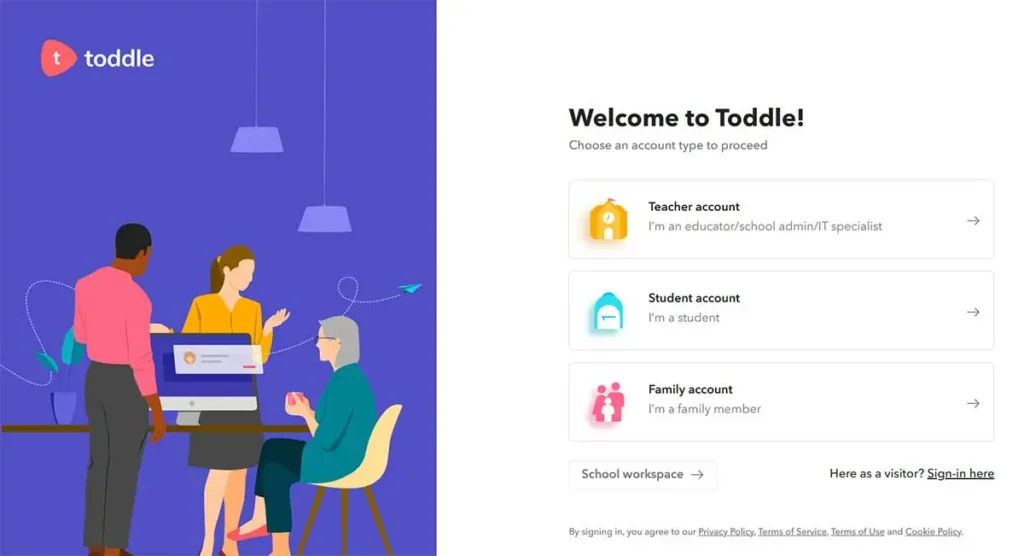
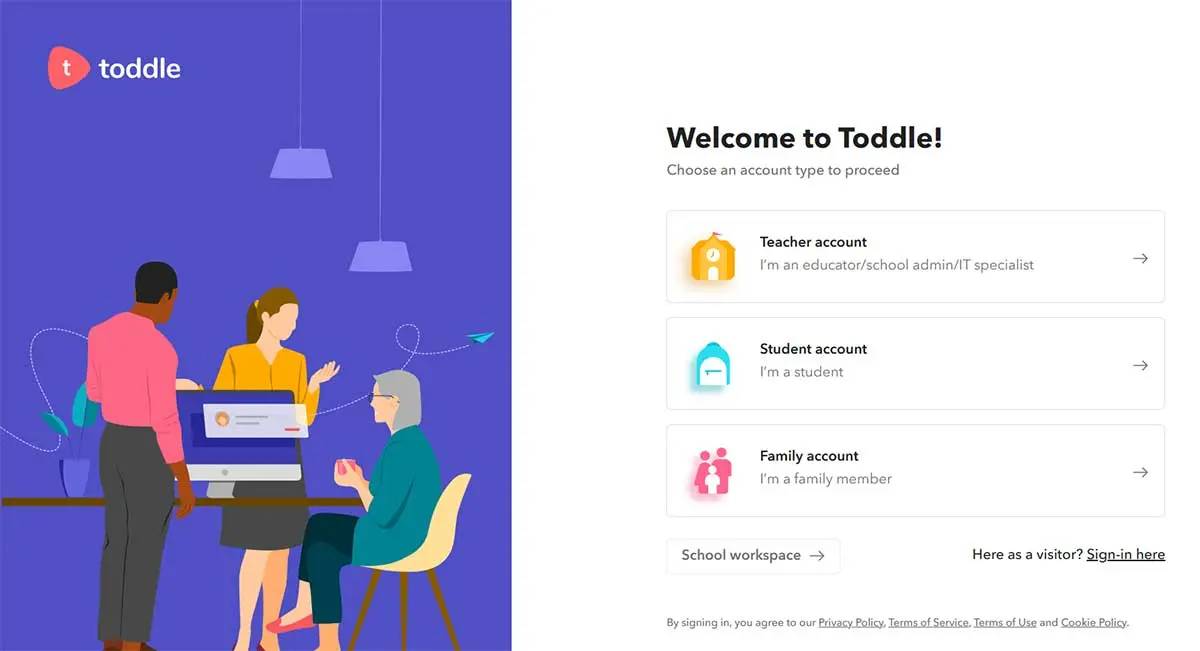
Check your email for the invitation from Toddle.
Use the provided link + credentials to sign in for the first time.
Set a password and complete your profile (if required).
Dashboard Overview
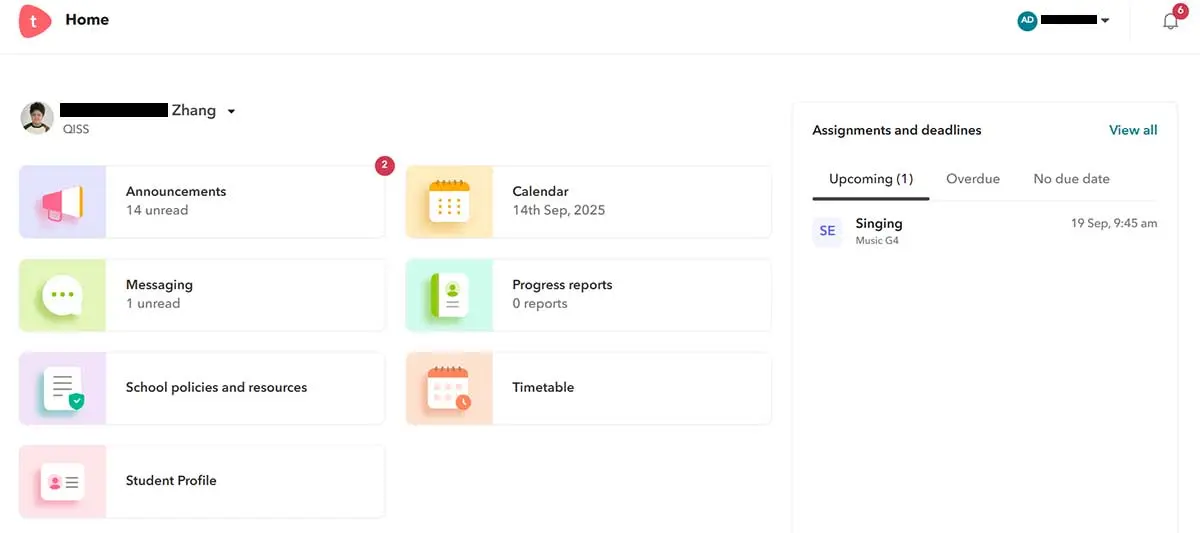
Once logged in, your Dashboard shows recent announcements, upcoming tasks, and recent teacher feedback.
On mobile or desktop — whichever you prefer.
Assignments & Due Dates
Navigate to the Assignments tab to see what homework/assessments are assigned.
Due dates, instructions, and any attached resources will appear here.
Student Portfolio & Reflections
Access your child’s digital portfolio to view reflections, past assignments, and examples of growth.
Teachers may post visuals, project artifacts, etc.
Communication
Teachers will post announcements, feedback, messages through Toddle.
Be sure to turn on notifications (email/app) so you don’t miss anything important.
Reports & Progress Monitoring
Periodic performance reports will be accessible.
You’ll be able to see where your child is excelling and where they may need support.
Signing In to Toddle From China
Toddle runs a separate server for schools in mainland China, so families in China may use different web and app addresses from families elsewhere.
- On a computer: the global sign-in page is web.toddleapp.com and the China sign-in page is web.toddleapp.cn. According to Toddle’s help center, if your school’s data has moved to the China server, web.toddleapp.com tells you so and asks you to sign in at web.toddleapp.cn instead.
- On an iPhone or iPad: Toddle publishes a separate Toddle Family China app in the China App Store. If your Apple ID is set to another country, the China app may not appear. Toddle’s guidance is to use the global Toddle Family app and switch to the China server in the app’s settings after logging out.
- Your account: sign in with the email address or phone number the school registered for your family, as described in the steps above.
If you cannot sign in:
- Check that you are using the address or app that matches your school’s server.
- Use “Forgot Password” on the sign-in screen to reset your password.
- Update the app, or use the latest version of Chrome, Firefox, Safari or Edge on a computer.
- If the problem continues, contact the school so it can check your family account.
Toddle lists the devices and browsers it supports in its help center for families.
Tips to Make the Most of Toddle
Check in regularly (weekly if possible).
Use the mobile app — it’s more convenient for quick updates.
Review teacher feedback with your child to help them reflect and grow.
Keep communication open: If anything is unclear, reach out to your child’s teachers via Toddle or the school’s support channels.
What’s Next
Training sessions and orientation guides will be shared by QISS for parents and students.
More features (if applicable) will be rolled out gradually. If you have any difficulties or suggestions, please contact the QISS Support Team.
QISS Conclusion
ToddleApp is more than just a platform; it’s a bridge between students, parents, and teachers — making learning more transparent, engaging, and connected. We encourage all parents to explore, ask questions, and stay involved through this exciting new chapter.
“Read more about why QISS shifted to ToddleApp in our announcement here.”
🎨 FAQs Section
ToddleApp is the new learning management platform adopted by QISS to replace ManageBac. It helps streamline communication between parents, students, and teachers, making it easier to track assignments, progress, and school updates—all in one place.
You will receive login details from the school. Simply download the ToddleApp from the App Store or Google Play, or visit the Toddle website. Enter your credentials to get started. Families in mainland China whose school uses Toddle’s China server sign in at web.toddleapp.cn or with the Toddle Family China app.
Yes! ToddleApp works on both mobile devices and web browsers, so you can easily check updates on your phone or computer.
Important school updates will be shared directly through ToddleApp. You’ll get notifications on your phone, and announcements will also be visible when you log in.
Yes. ToddleApp includes a built-in messaging system so parents can connect directly with teachers when needed.
Absolutely. ToddleApp uses secure technology to protect student data. Only authorized parents, teachers, and administrators can access your child’s information.
Click on “Forgot Password” on the login screen. You will receive an email with instructions to reset it. If you still face issues, contact the school IT support team.